Inviting workers is permission based
To invite workers, your account must have one of the following roles enabled:
Role: Company Admin, Company Manager, Project Coordinator
Custom role with: Worker hiring and startwork - Full access, Project access only
A QR code (Quick Response code) is a type of two-dimensional barcode that can store information both horizontally and vertically. It consists of black squares arranged in a square pattern on a white background. When scanned with a smartphone or QR reader, it quickly links to websites, displays text, or provides other digital information.
Wrapbook's QR code invitation feature allows workers to join projects by scanning a QR code instead of searching for email invitations.
To use a QR code, a worker must already be invited to the project. First, invite the worker by email. After the worker appears on the project’s People dashboard, the worker can scan the QR code to join without searching for the email invitation.
To invite worker via a QR code:
In the left-side navigation, click the dropdown menu
In the dropdown menu, select the name of the project that you want to use QR codes for
In the left-side navigation, click People
On the project People dashboard, click the Invite via QR button
If QR codes are already being used to invite workers, you’ll see them listed on the page. From here, you can Test the code or click the Print QR button. To delete an existing code, click the Delete button.
To add a new code, click the + Create new QR button
Create a new QR Code:
On the Create a new QR page, enter a Title for the QR code
When you have finished entering details, click the Generate QR button
The QR code will be generated and displayed on the screen. From here you can share the QR code by clicking either the Print QR button, or you can download it to your computer by clicking the Download PDF button.
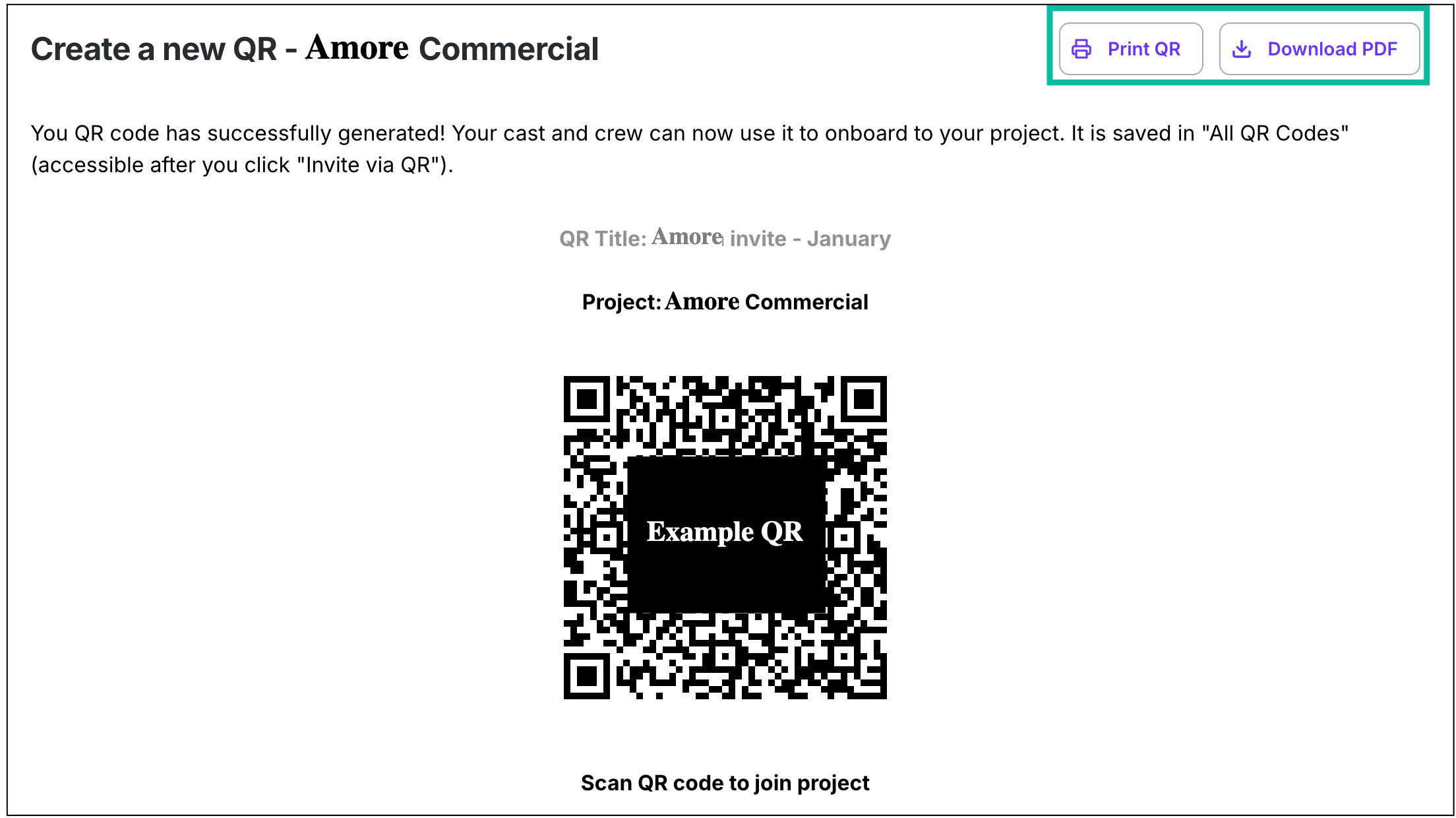
You can click the Print QR or Download PDF button
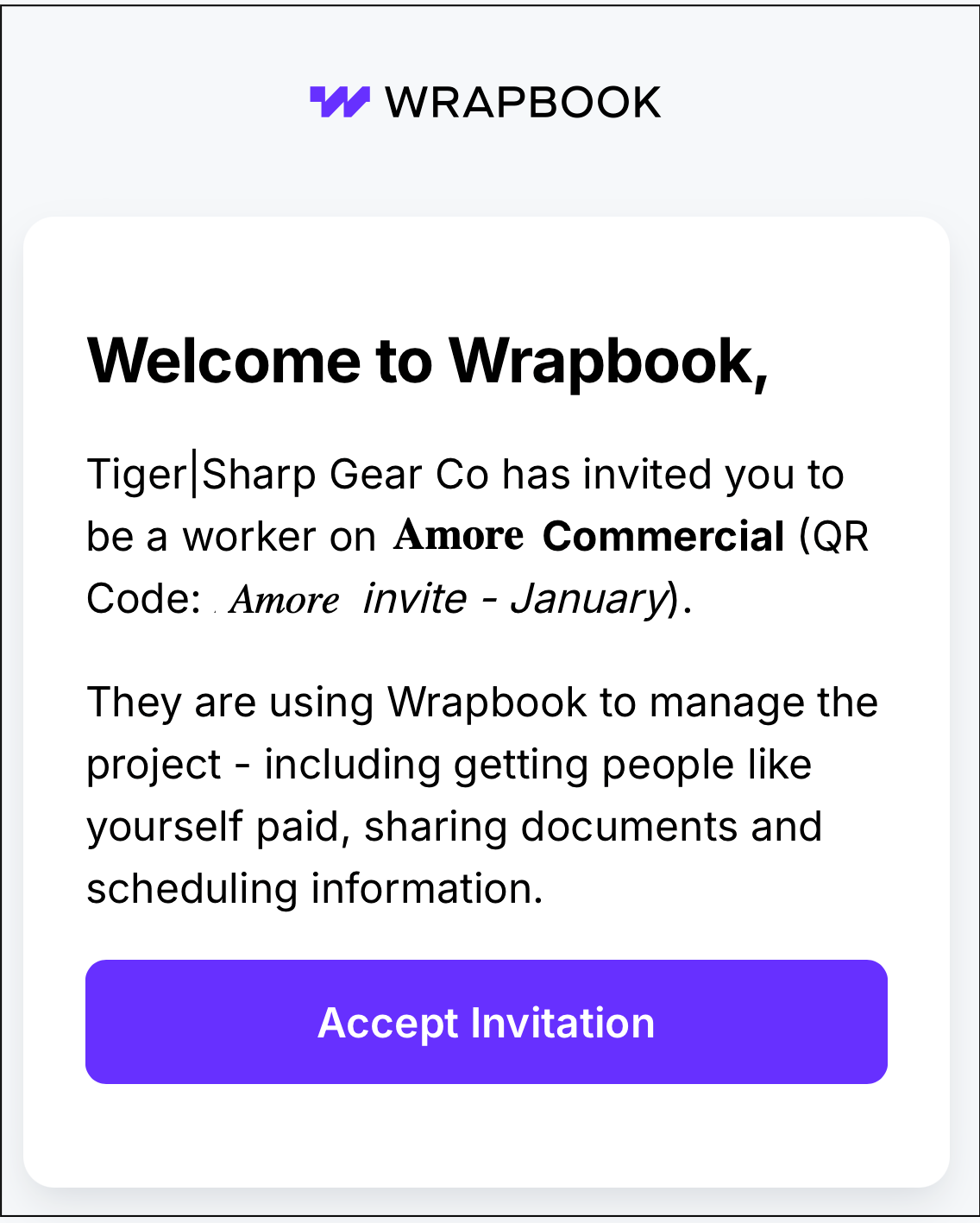
Example of what the worker sees when they use a QR code to join a project