Overview
Each project that you join in Wrapbook will have its own sick leave policy that’s set by the production company.
How to see a project’s sick leave policy
From the left-side navigation, click Settings
On your worker profile page, scroll down to the Benefits section
Next to Paid Sick Leave, click the View button
On the Paid Sick Time Overview page, click Policy Details next to a project
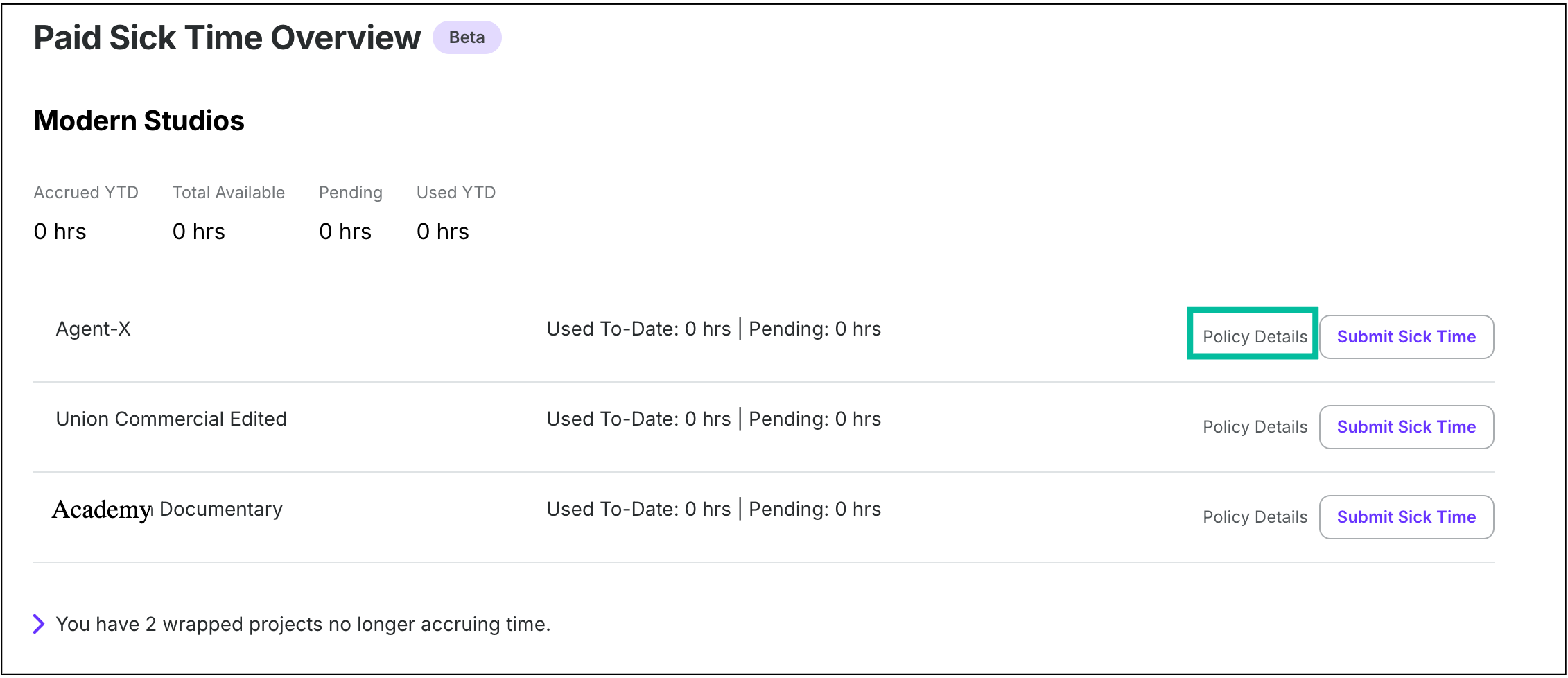
Click Policy Details
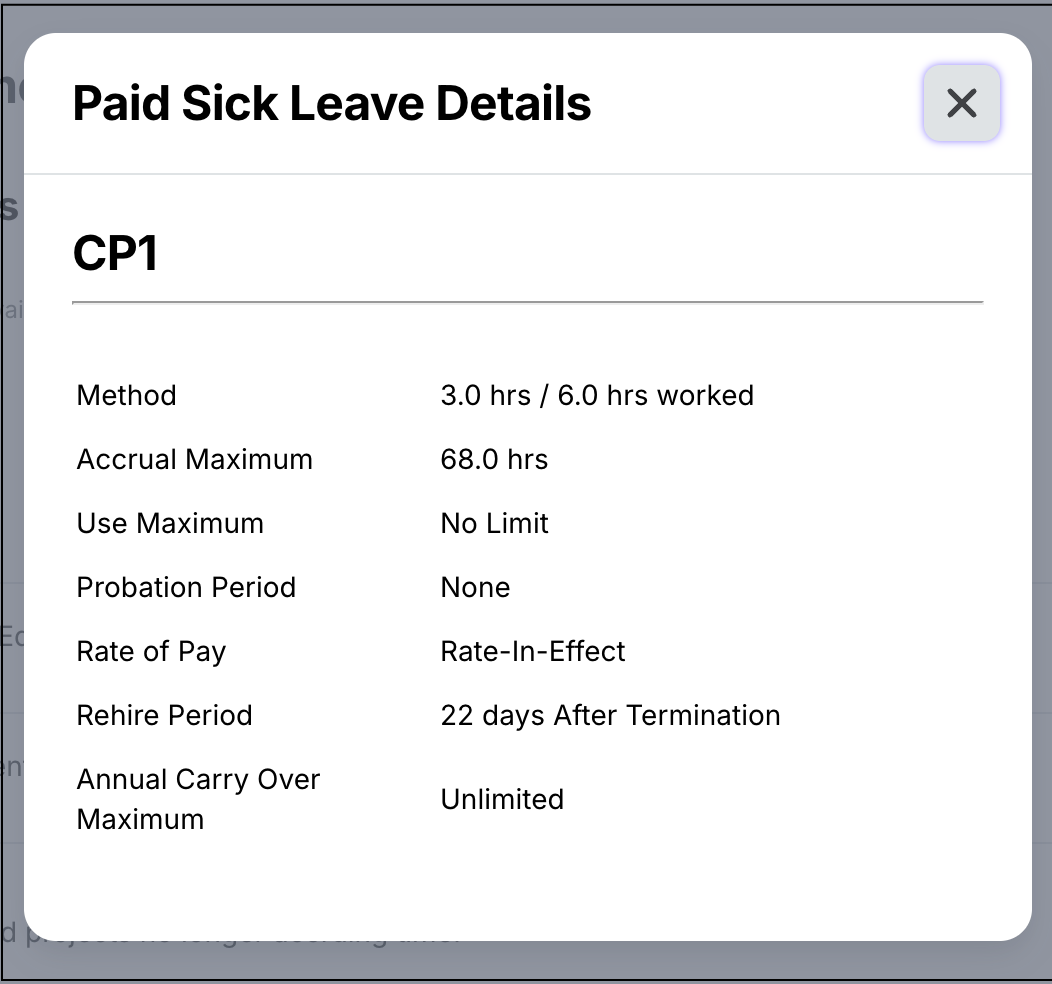
Example of a project‘s sick leave policy
How to see the policy for a multi-location project
When you request paid sick leave, Wrapbook shows the policy that applies to the rate and work location you select for your request. You only need to review the policy shown for that request.
Your paystub shows one combined paid sick leave balance for the production. You won’t see separate sick leave balances for each work location.