Find help in Wrapbook
The fastest way to get help is to sign in to Wrapbook and ask Scout, Wrapbook's 24/7 AI-powered assistant. Scout answers common questions right away and connects you with the right Support team member when your question needs a person.
Search the Help Center for an answer to your question
While you're signed in to Wrapbook, click Get help in the top-right corner next to your User menu to open Scout
Ask Scout your question and follow the guidance it provides
If you need more help, ask Scout to connect you with the Support team
What Scout can help with when you're signed in
When you're signed in, Scout can look at your account to answer questions such as:
Where is my payment, including its status, expected arrival, and paystub
Which payment methods are set up and whether any work is unpaid
What is the onboarding progress for a project
Where can I find my year-end tax forms
What does my profile show
Talk to a person
The Wrapbook Support Team is available Monday through Friday, 8 AM to 7 PM Pacific Time.
During live support hours, Scout can connect you with a live Support specialist when you ask to speak with a person.
Outside live support hours, on holidays, or when a specialist isn’t available, you can request an email follow-up, and a Support specialist will contact you within 24 business hours.
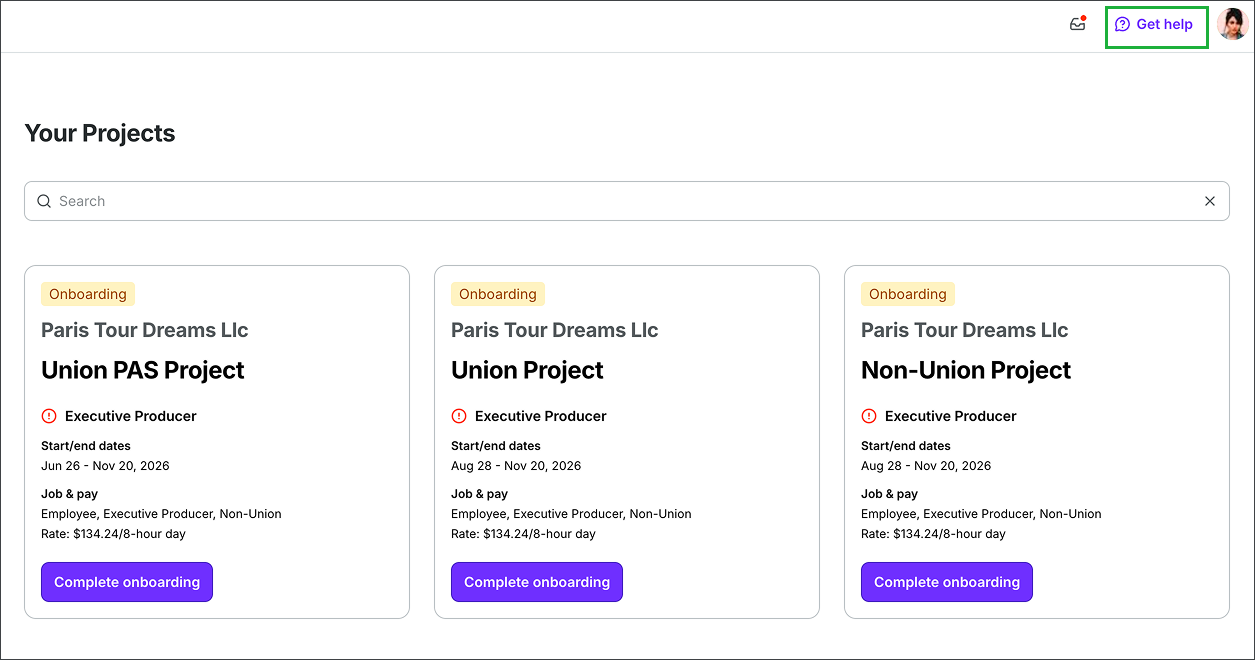
Click Get help in the top-right corner of any page while logged into Wrapbook.
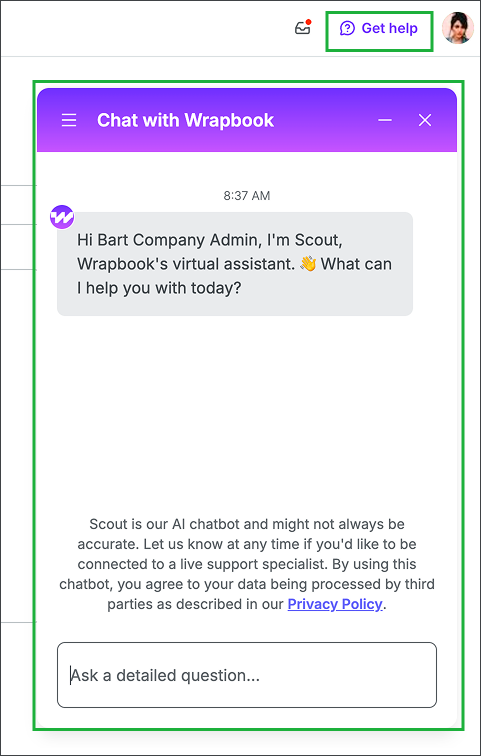
Use the Scout chat popup to ask questions about Wrapbook.
Other ways to contact Support
If you can't sign in or you prefer another way to reach us, you can email, text, or call Wrapbook Support.
Email support@wrapbook.com
Text 213-277-9555
Call 1-833-977-2665
By texting 213-277-9555, you consent to receive customer-service text messages from Wrapbook at this number. Initial responses are AI-powered, and a human agent may follow up by text or live phone call. These messages respond to your support requests only. No marketing. Message frequency varies. Message and data rates may apply. Reply HELP for help or STOP to opt out. See Terms & Privacy.